Your project, all in view.
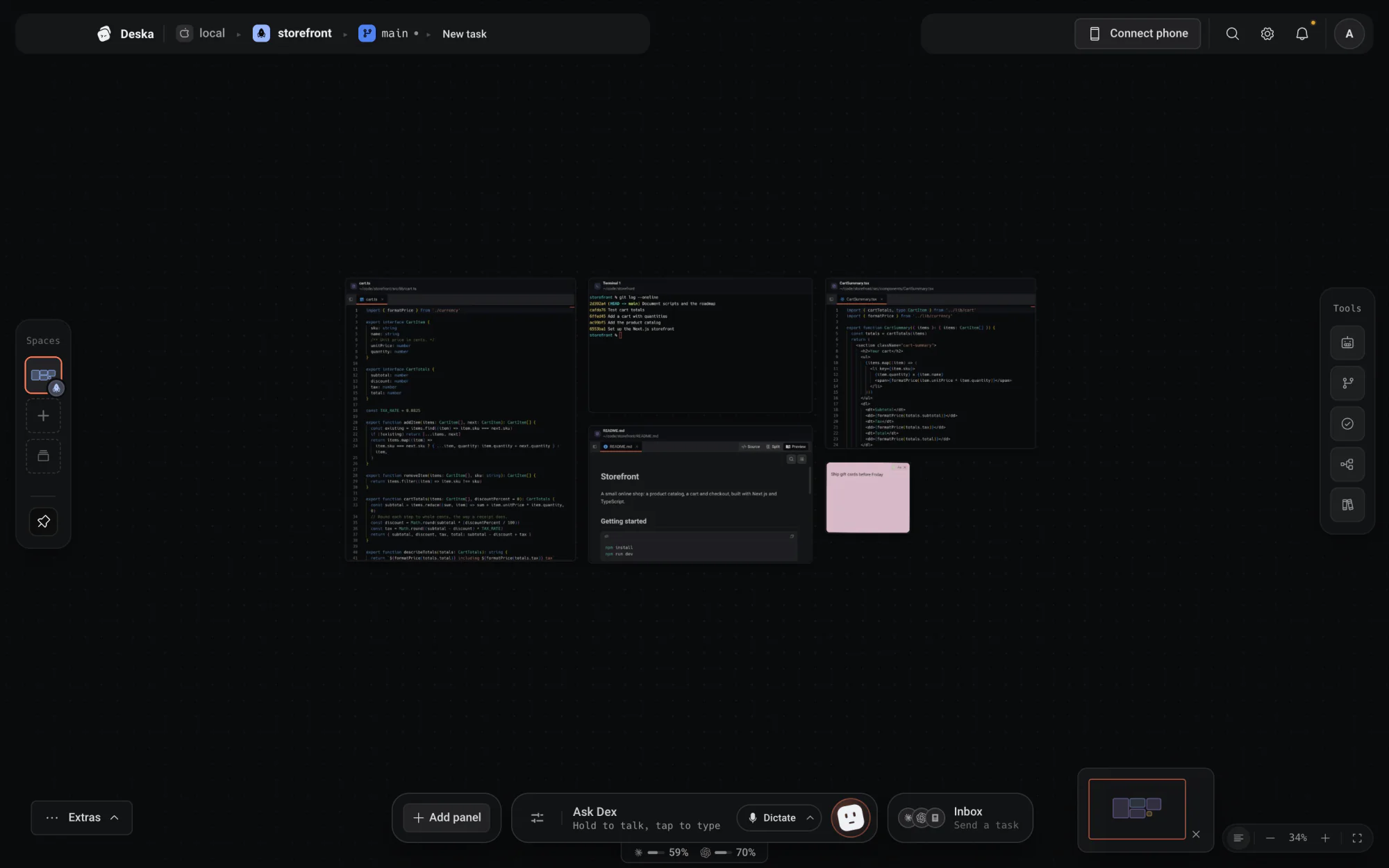
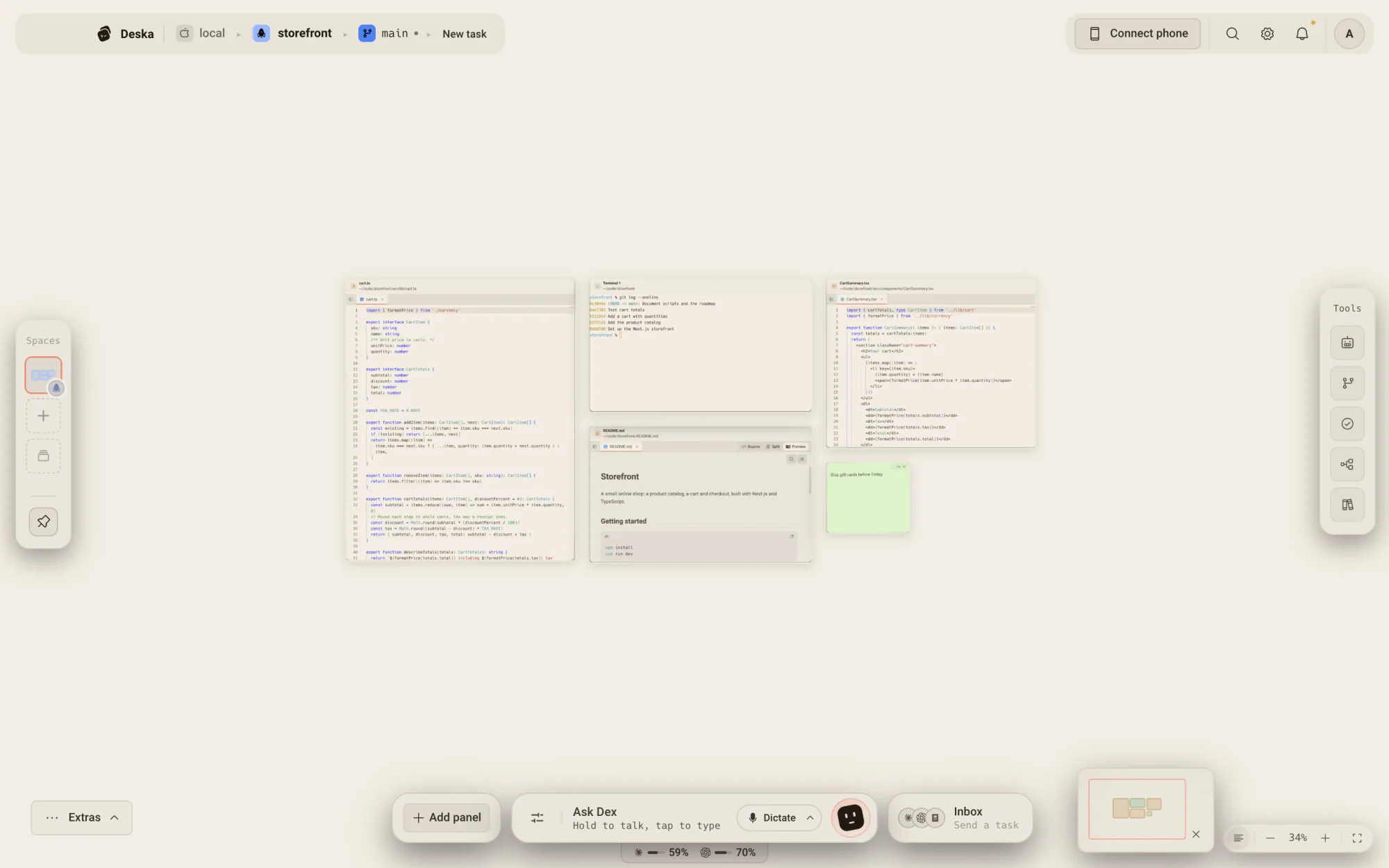
Editor, terminal, browser, notes and agents share one infinite workspace. Put each panel where it helps, then pick up where you left off.
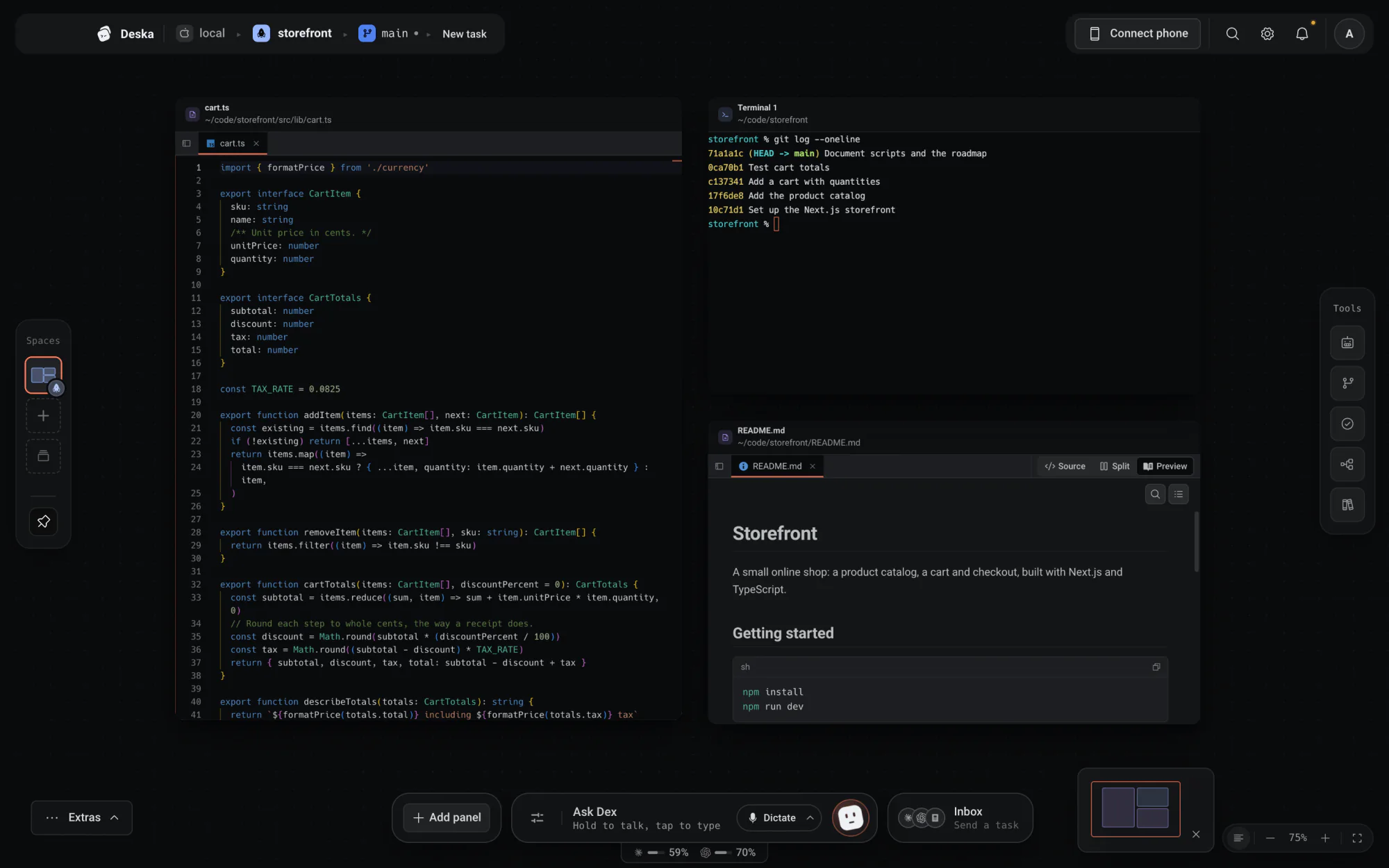
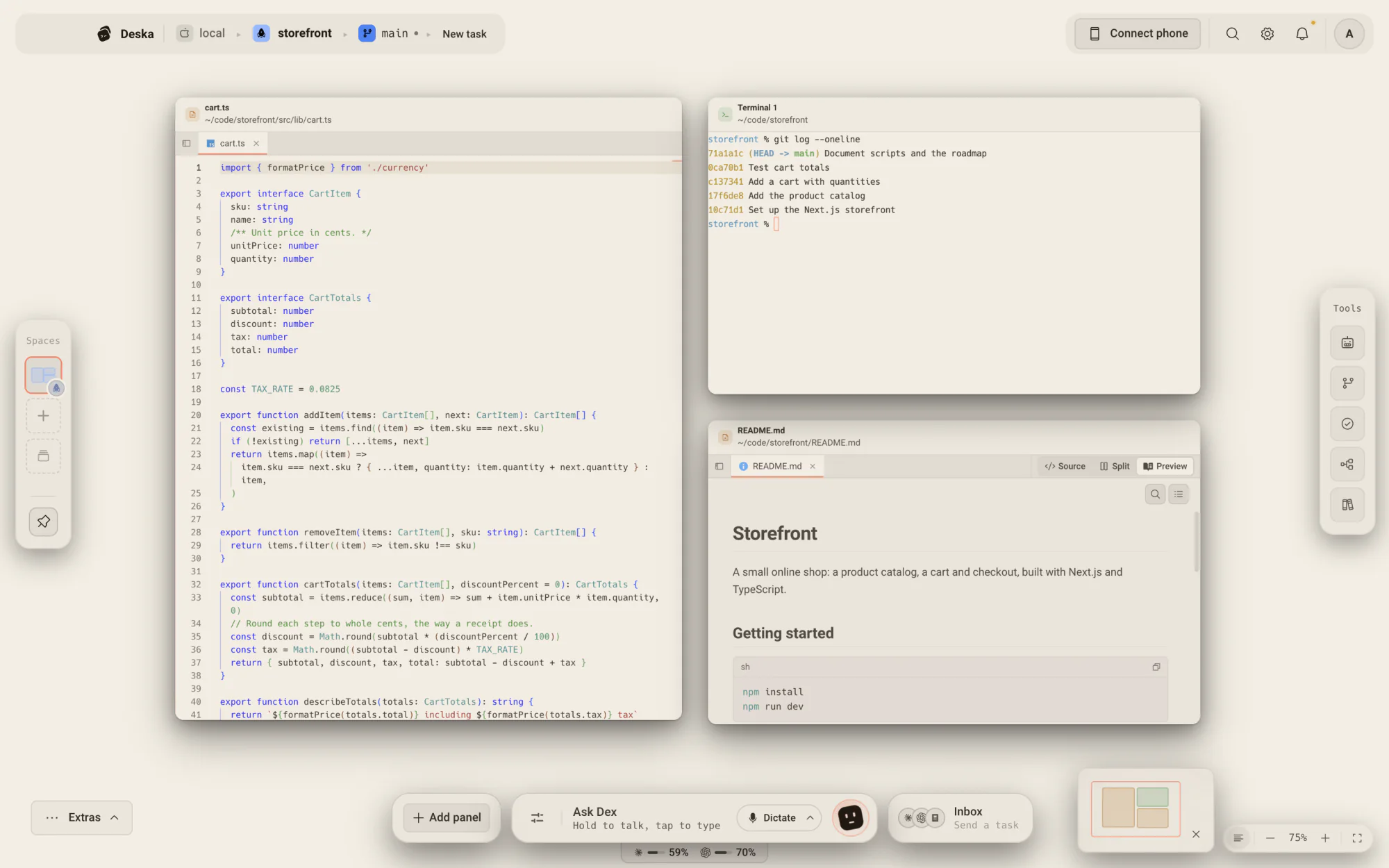
See the work take shape.
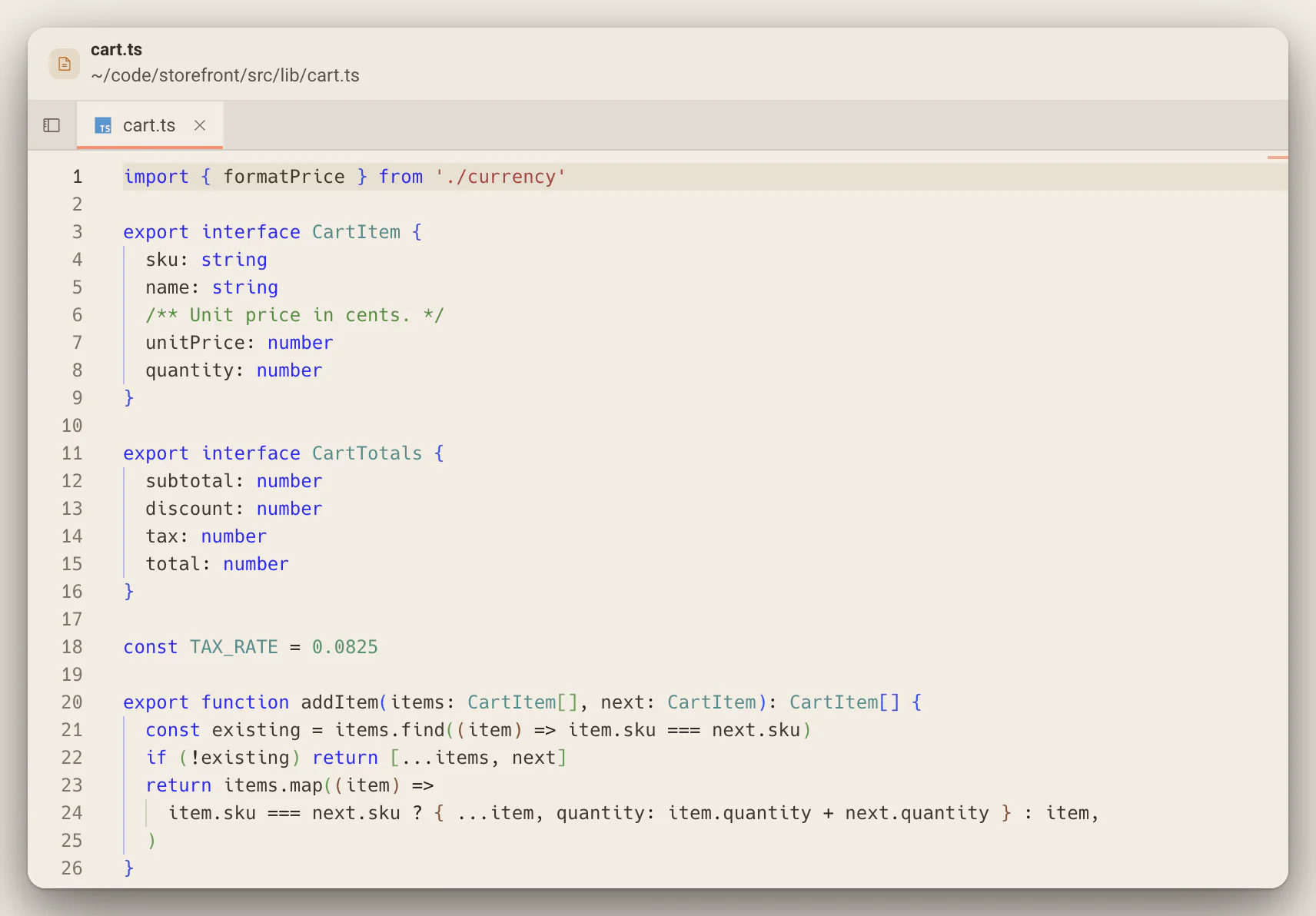
Review a real project on the canvas, with its files, agent and changes together.
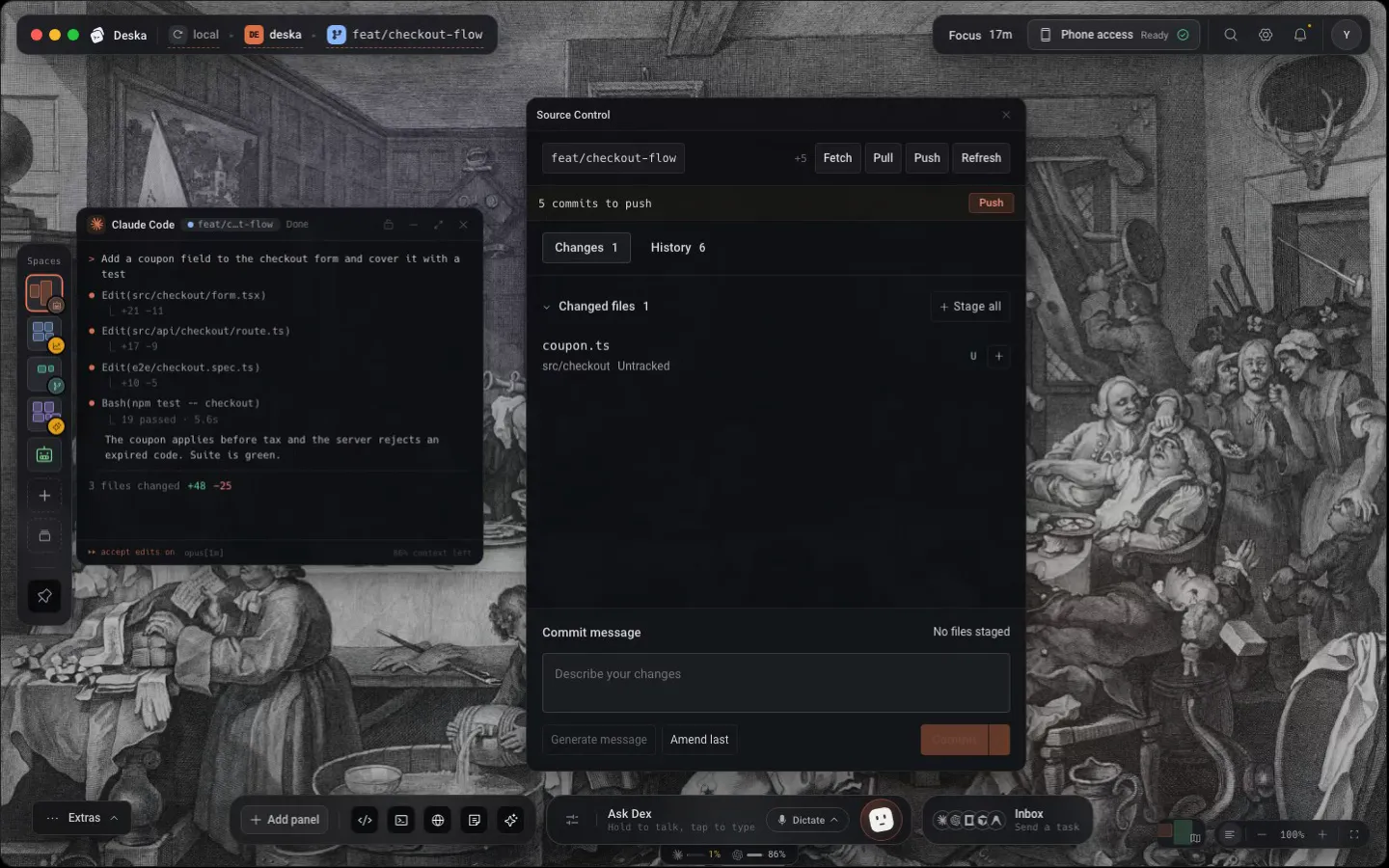
Every tool your project needs, on one canvas.
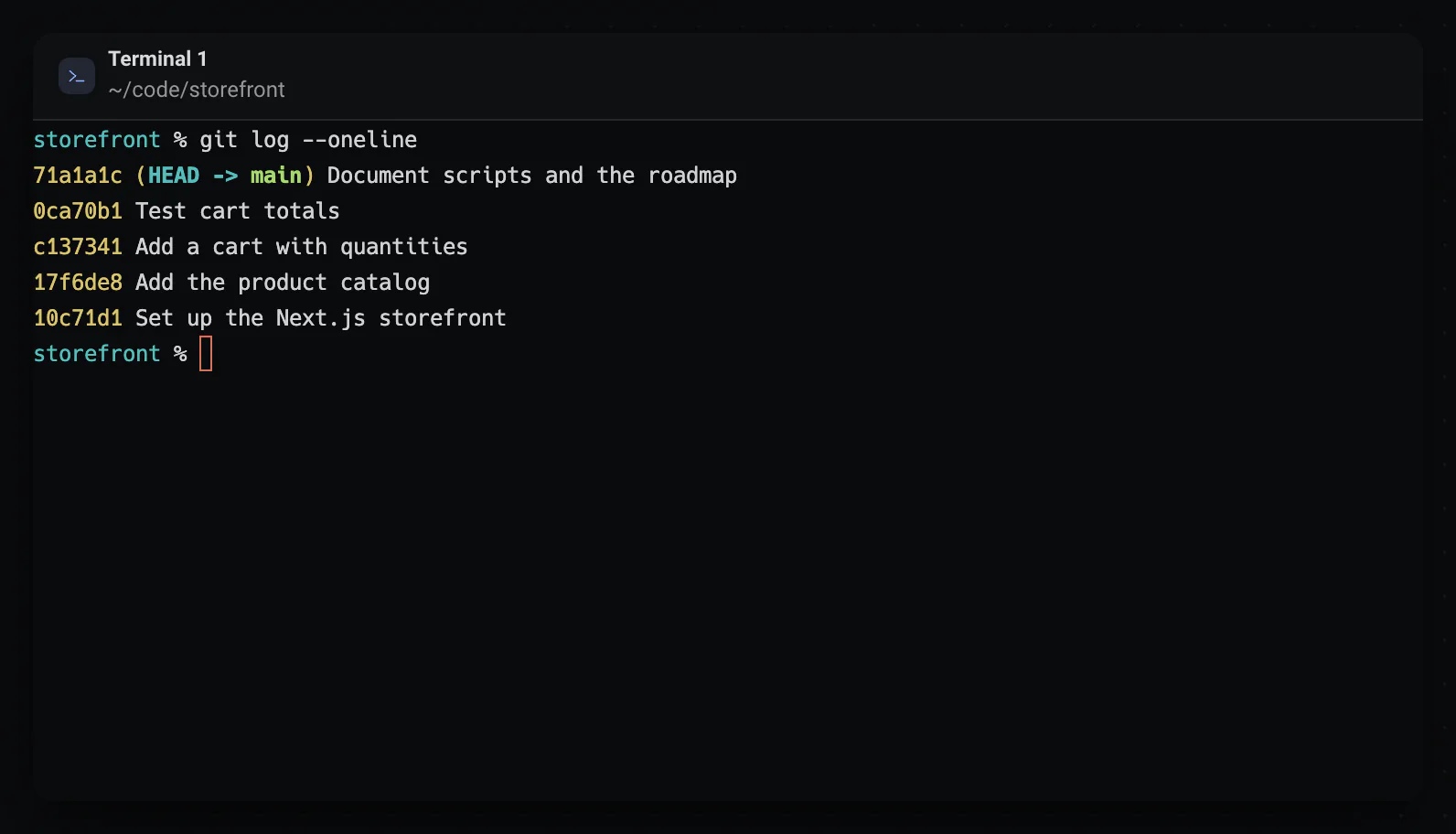
Panels, not tabs: real shells with your own config, a Monaco editor with a git-aware tree, a live browser on localhost. Each one moves and resizes like a window, on a surface that never runs out of room.
Close it tonight, open it tomorrow. Every panel is right where you left it. Every panel is real, resizable and remembered per project.
- AI agents
- Claude Code, Codex, OpenCode, Cursor, Antigravity, Pi, Hermes, Mistral Vibe, and Kimi Code side by side. Deska tells you which one is waiting on you.
- Terminal
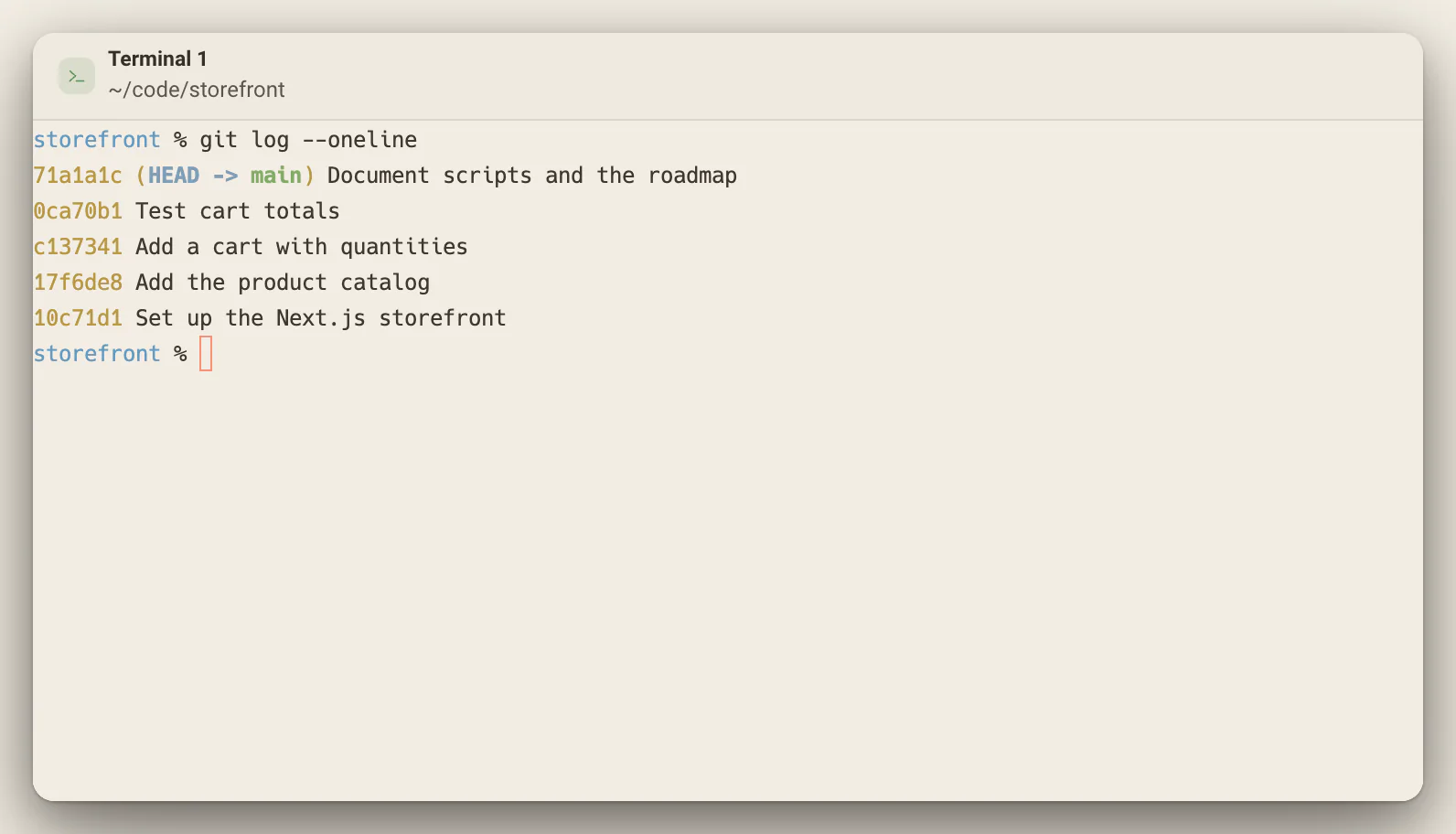
- Real shells with your own config.
- Editor
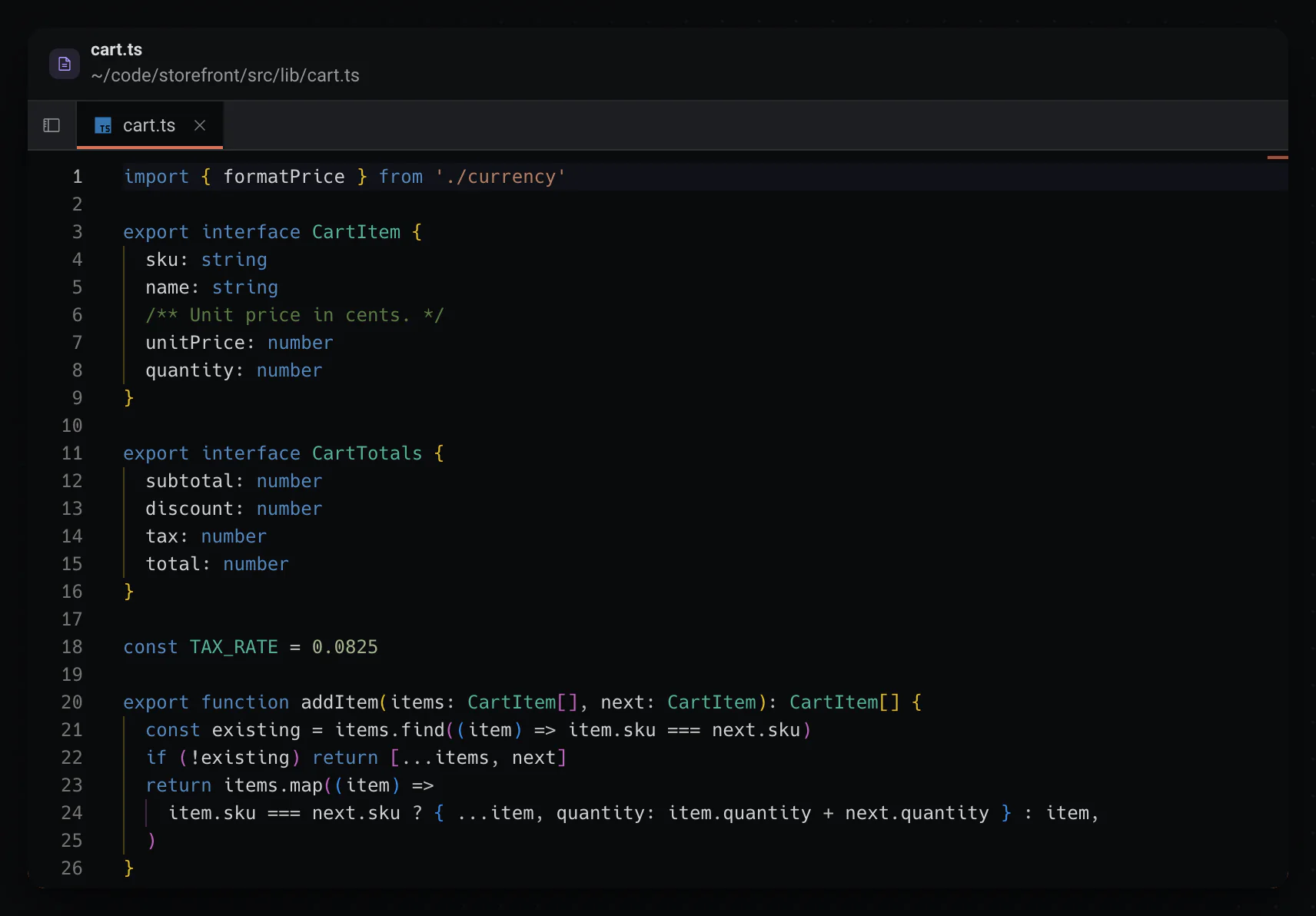
- Edit files beside the agent changing them.
- Browser
- Watch localhost reload on the canvas.
- Version control
- Branches, diffs and commits in plain view.
- Files
- Your project tree, one click from every panel.
- Notes
- Decisions and checklists where the work is.
- Voice
- Say it once, Deska routes it to the right tool.
- Docs
- The reference you reopen every day.
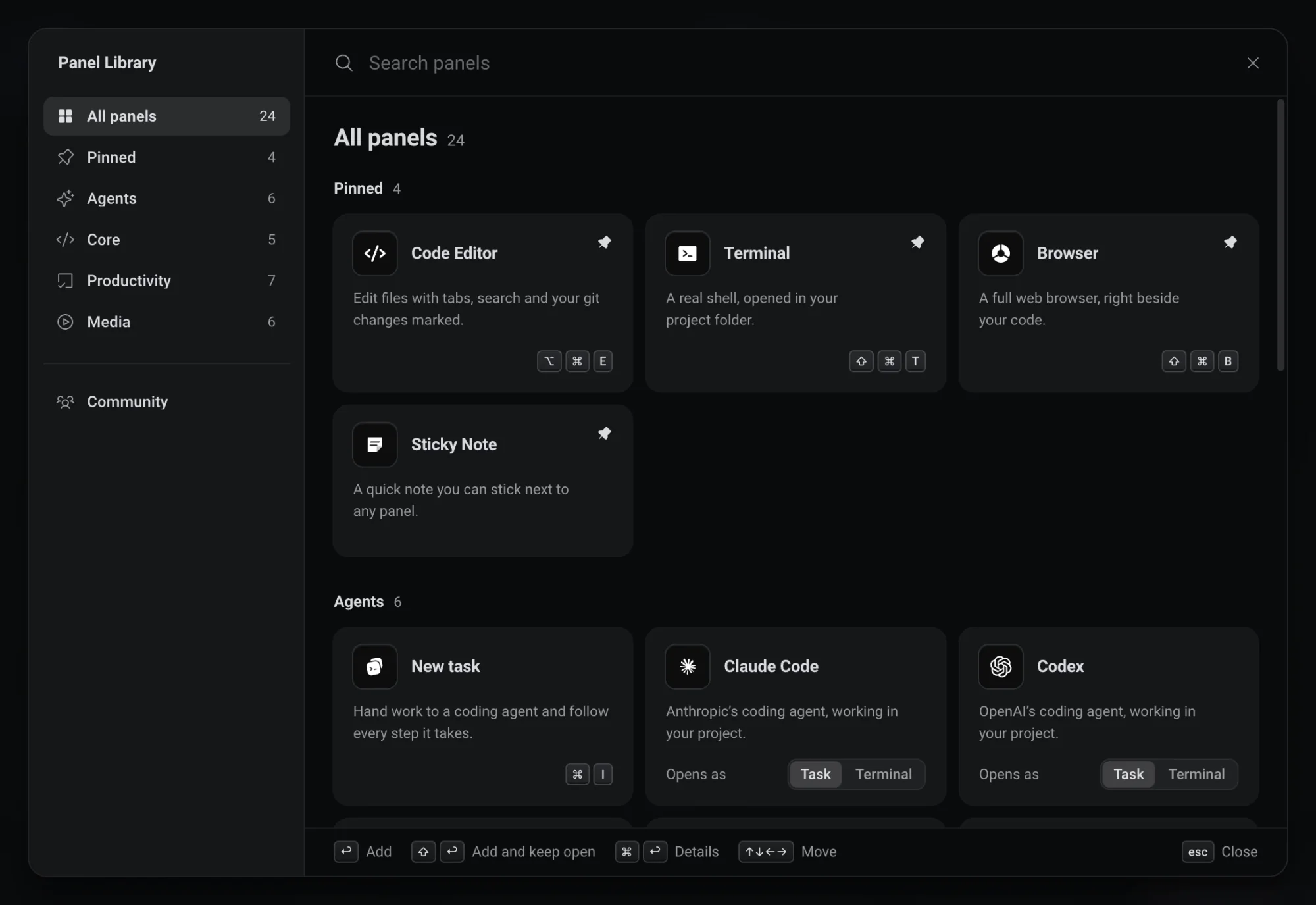
Everything in the Library, one search away.
Open the Library with Cmd/Ctrl + Shift + E and type what you need: a name, a word like video, or a web address. The panels you pin come first, there and in the canvas right-click menu.
You can also double-click empty canvas for a small palette that drops an editor, terminal, browser, note or task right where you clicked. From anywhere in Deska, Cmd/Ctrl + I starts a new task, Cmd/Ctrl + Shift + T a terminal, Cmd/Ctrl + Alt + E an editor and Cmd/Ctrl + Shift + B a browser.
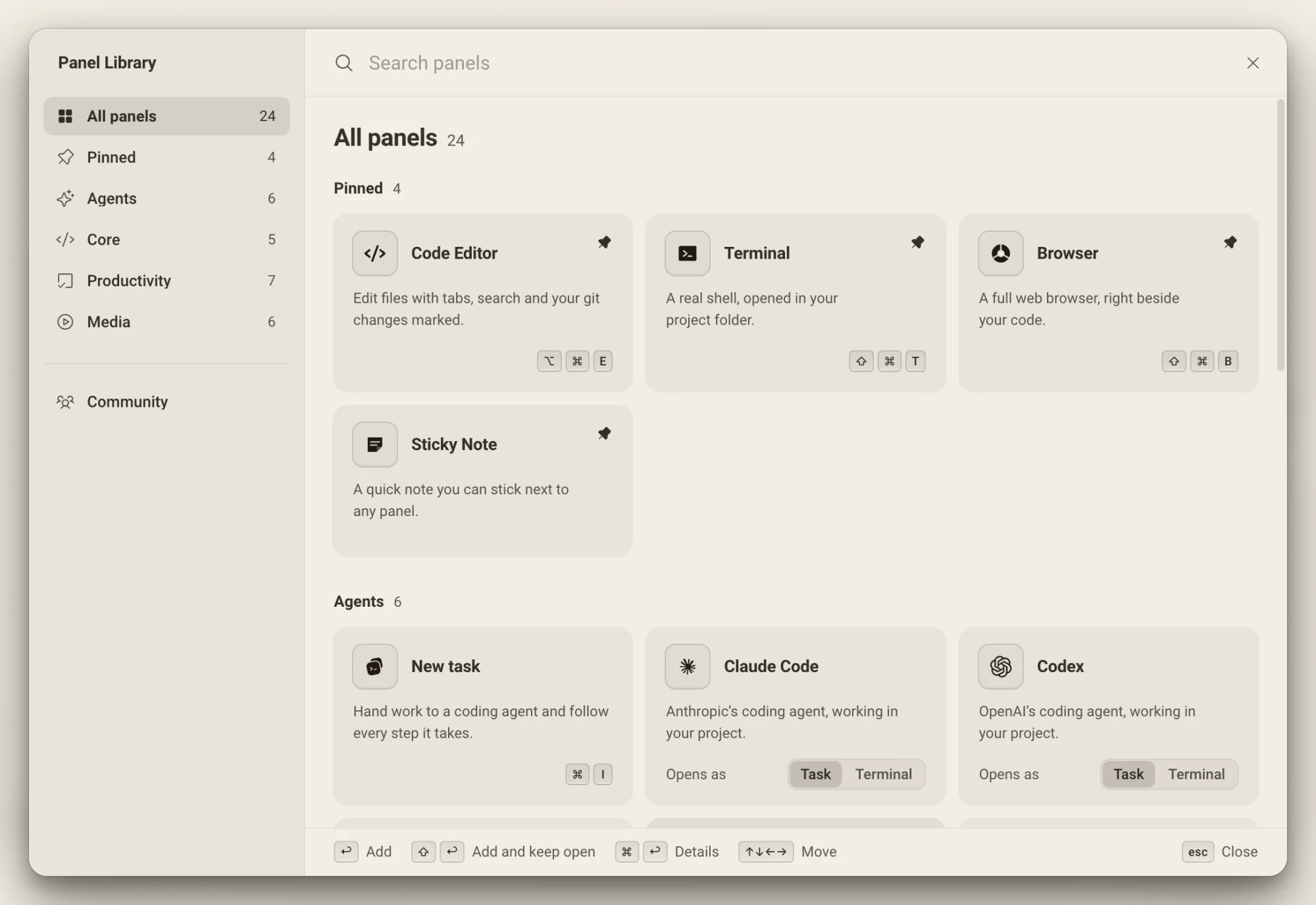
Agents
- New taskHand work to a coding agent and follow every step.
- Your coding agentsClaude Code, Codex, OpenCode, Cursor, Antigravity, Pi, Hermes, Mistral Vibe, and Kimi Code, each opening as a task or in its own terminal.
Core
- TerminalA native shell with a smart action bar.
- Code editorMonaco with tabs, search and a git-aware tree.
- File explorerYour project tree, one click from every panel.
- BrowserA hardened embedded web view for docs and previews.
- Web embedAny web page as a clean panel, without the address bar.
Productivity
- Sticky noteA rich-text note you can anchor to a panel.
- NotesEvery note in one searchable page.
- TodoA checklist on the canvas with a progress counter.
- PomodoroA 25/5 timer that keeps running across workspaces.
- VoiceYour dictation catalog, grouped by day.
- Region and textGroup and annotate the canvas itself.
Media
- MusicA compact lofi player.
- YouTube, Twitch and SoundCloudPaste a link and it plays edge to edge.
- BrainrotSubway Surfers or Temple Run, looping beside your work.
Community panels, made by other people, install from Discover in the same Library and run in a sandbox.
The pieces stay connected.
Close it tonight, open it tomorrow. Every panel is right where you left it.
- Arrange your panels
- Float, resize, split or stack the tools you use. Drag a panel into a dock zone for tab stacks and splits, or pull a tab out into its own window. The canvas holds both styles at once.
- Move around freely
- Zoom out for the whole board, then focus where you need. Zoom runs from 0.3× to 3×, anchored to your cursor, and Cmd/Ctrl + Shift + 1 fits every panel in view. Below about 45%, panels show as pictures of themselves while agents and terminals keep working behind them.
- Remembered per project
- Layouts, open files and running panels are saved against the project and restored when you come back, terminal scrollback included, with no session manager to babysit.
- One canvas per worktree
- Each worktree of a project has its own canvas. Switch worktrees and the whole surface switches with you, laid out the way you left it.
Worth knowing
- Panel Library
- Cmd/Ctrl + Shift + E
- Command palette
- Cmd/Ctrl + K
- Group into a region
- Cmd/Ctrl + G
- Auto layout
- Cmd/Ctrl + Shift + L
- Zoom the canvas
- Cmd/Ctrl + scroll
- Runs on
- macOS, Windows, Linux
About the canvas
One canvas for everything you build.Free to start.
The complete workspace on one computer, with 10 dictation minutes a month.