Run ten agents.Answer only the one that needs you.
Every task reports to one list, sorted by what it wants from you: Needs you, Working, Landed and Idle. Approve, answer or open any of them from there, on your computer or your phone.
Every task,in the order it needs you.
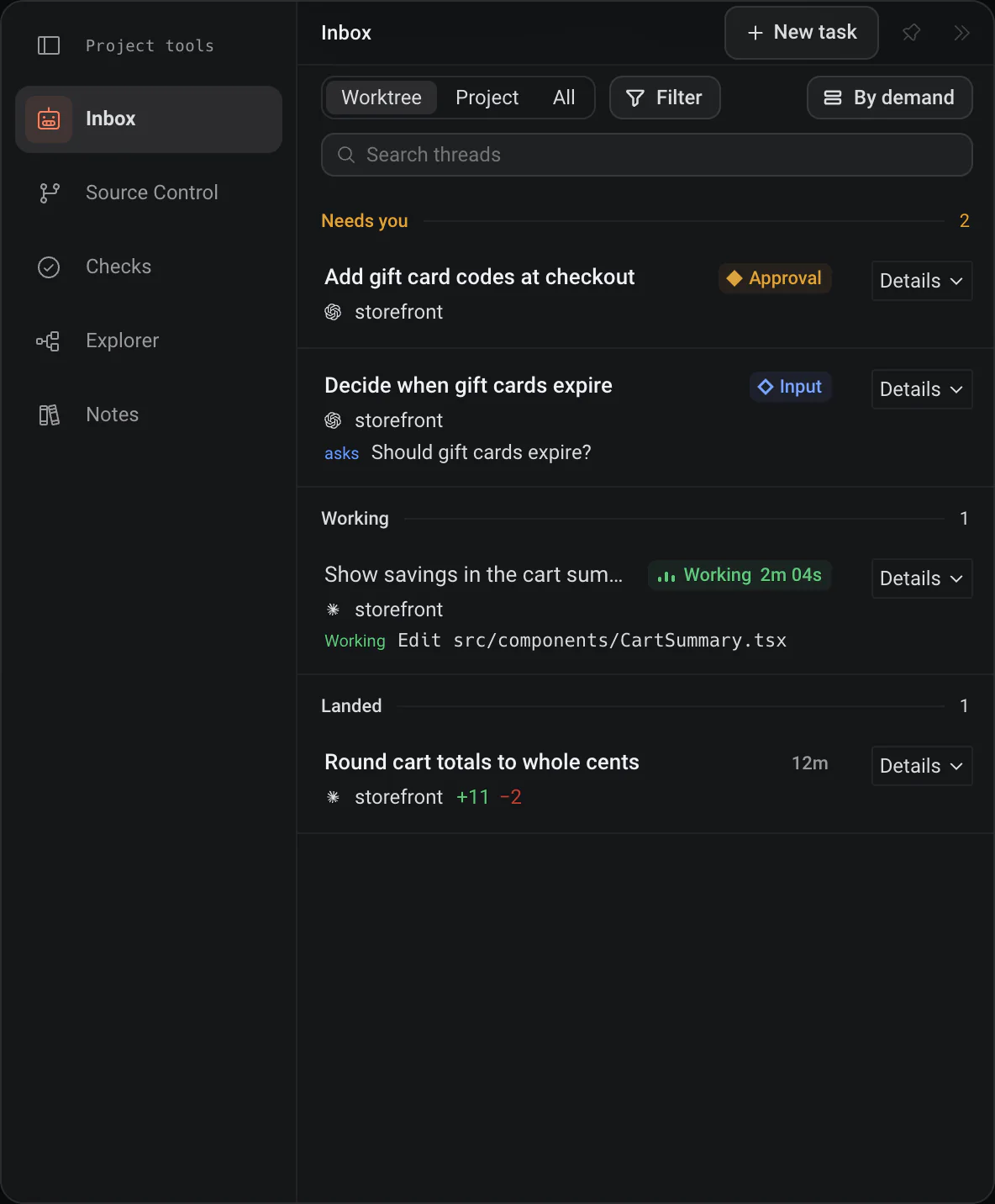
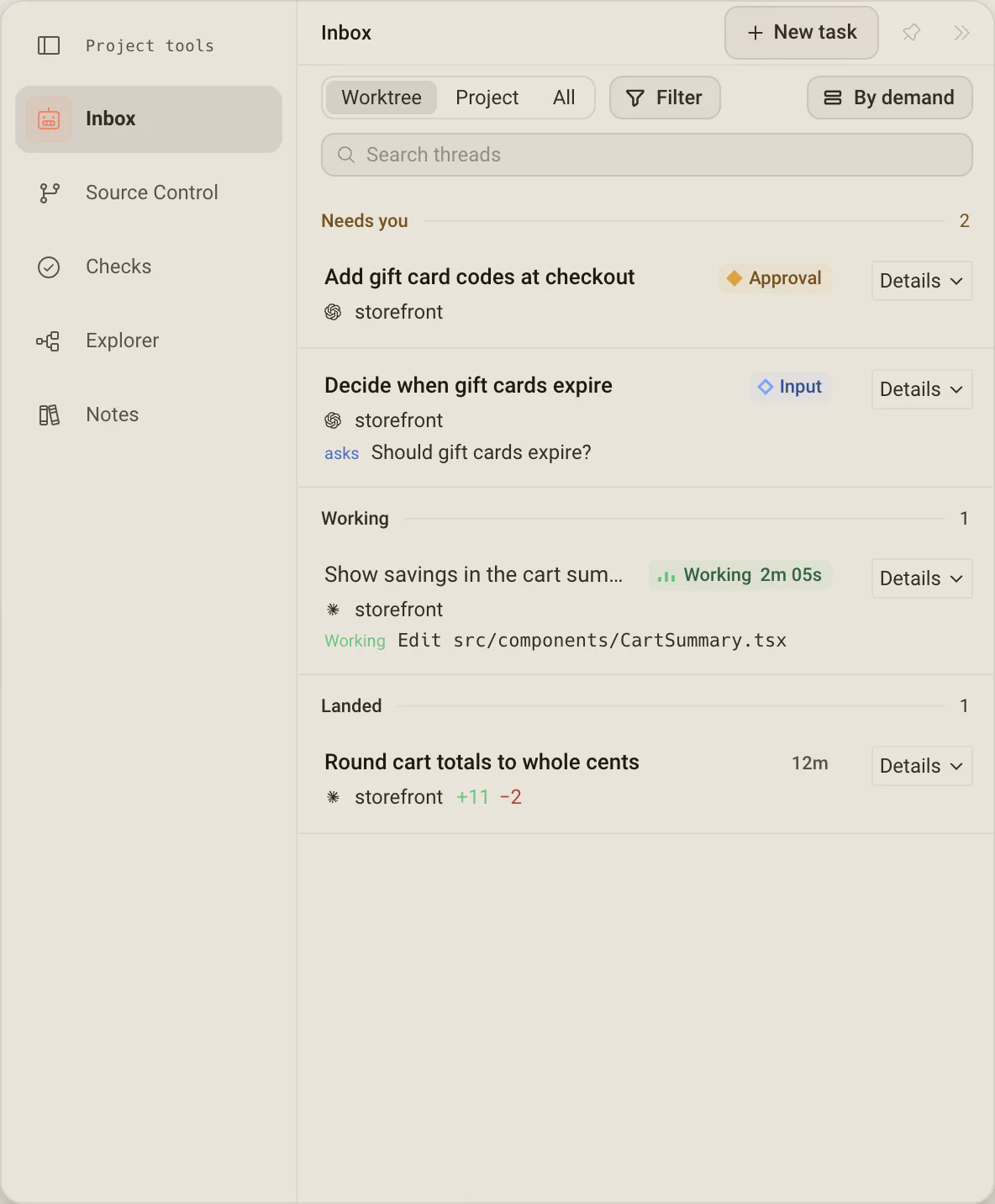
The Inbox is one row per task, in bands by what each one wants: Needs you, Working, Landed and Idle. Failures and pending questions stay visible in the row, so you know what to open before you open it.
- Filter keeps only the states and agents you tick, with a count on every option.
- By demand switches the grouping to By project and back.
- Search narrows by title, branch, path or error message, and repo: or path: narrow further.
Hand it off,come back when it asks.
Start a task and it joins the board beside the work already running. When one of them stops for permission, the row says so, and one answer sends it back to work.
- A snoozed task comes back early on its own if it hits an approval, asks a question or fails.
- Opening a row replays the conversation from its durable log, including turns from before this launch.
- Esc hands the panel back to the board.
The short list,one click from anywhere.
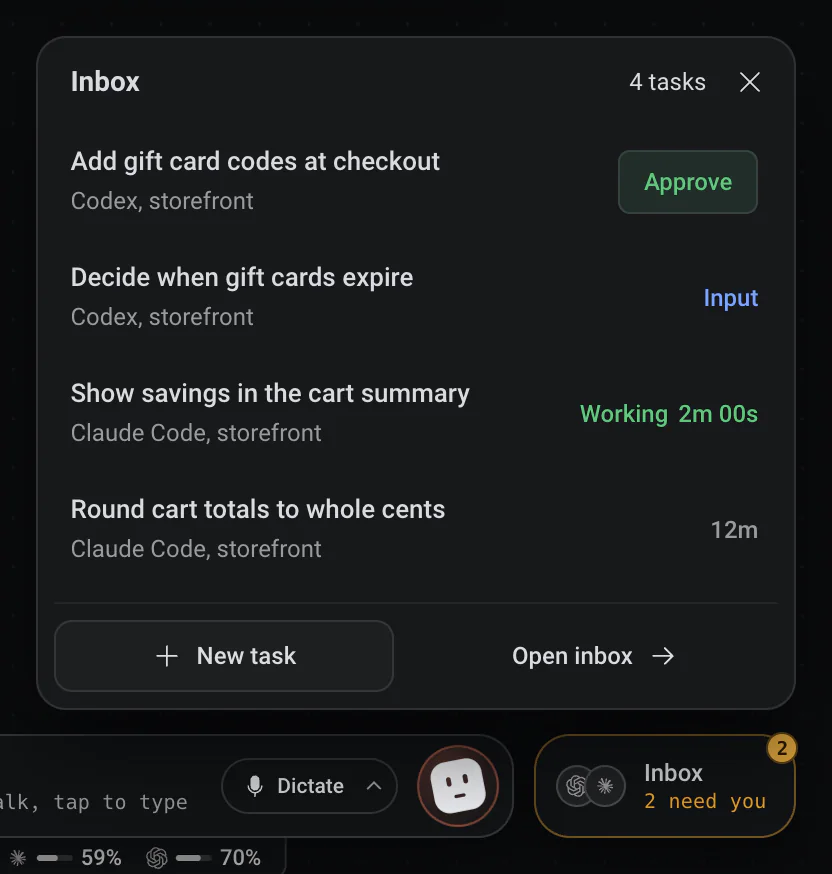
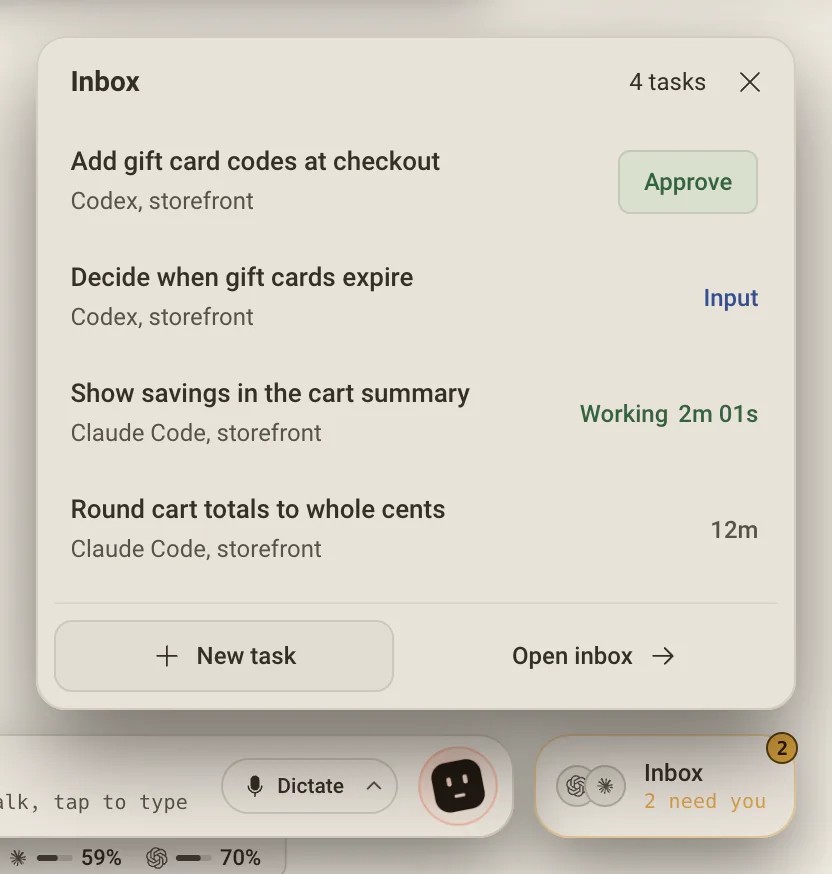
Beside Dex, the Inbox chip shows who is at work and how many need you. Click it for every task across your projects, the ones that need you first, with Approve right on the row when a request is safe to accept.
- Past five tasks it adds search and tabs: All, Needs you, Working and Landed.
- Sort by Needs you first, Recently finished or Newest first. It reopens the way you left it.
- Type a few letters and press Enter to open the first task that matches.
What each row is asking for
One state per task, from most to least urgent.
- Approval
- The agent hit a permission gate and cannot continue until you allow or deny it.
- Input
- The agent asked a question that is not a permission request, with options or room to type.
- Failed
- A turn or its session failed. Where Deska can tell why, the row names the cause, and a sign-in that expired offers Sign in right there.
- Working
- A turn is running. Before it starts, the row says Preparing worktree or Starting agent, so a message never looks lost.
- Landed and Idle
- A turn finished that you have not seen yet, or the task is alive and waiting for your next message.
Answer from your pocket.
On Deska Pro your phone gets the same Inbox, and a push when an agent needs you. Approve, answer or reply from there and the agent on your computer keeps working.
Jump to the next one
Cmd/Ctrl + Shift + J goes straight to the next task that needs you, from anywhere in the app, and cycles through all of them before starting over.
Snooze what can wait
Snooze a task until this evening or next week. If it hits an approval, asks a question or fails, it comes back early with a Woke marker.
The desk says it too
The minimap colors each panel by what it needs: green while an agent works, amber when one needs you, red when it failed, blue when it finished unseen.
Worth knowing
- Open it
- The Inbox chip beside Dex, or Cmd/Ctrl + J
- Next task that needs you
- Cmd/Ctrl + Shift + J
- Bands
- Needs you, Working, Landed, Idle
- Scope
- Worktree, Project or All
- Filter
- By state and by agent, remembered between launches
- Search
- Titles, branches, paths and errors, plus repo: and path:
- Keyboard
- J and K to move, Enter to open, Esc to go back
- On the phone
- The same Inbox and push, on Deska Pro
About the Inbox
One canvas for everything you build.Free to start.
The complete workspace on one computer, with 10 dictation minutes a month.