Terminals that readtheir own output.
Real shells on the canvas, as many as you like. They spot the port in use, the file at the line and the next command, open your dev server beside the code, and bring agent conversations back when you return.
It reads what it printed,and offers the next step.
When a command fails or prints something worth acting on, one suggestion appears in a slim bar at the bottom of the panel. Alt + Enter takes it: free the port, open the file at the line, insert the next command or hand the error to Dex.
- A suggested command lands at your prompt; the Enter stays yours.
- The header names the dev server and its port, and the port opens it beside the code.
- Full-screen apps like vim are left alone, except for sign-in links.
A real shell,with its history kept.
Every terminal is your shell on a native pseudo-terminal: pipes, background jobs, environment variables, your aliases and your prompt. Its scrollback is saved with the workspace, so closing a project and opening it again keeps the history.
- Search the scrollback with Cmd/Ctrl + F.
- Pick a color preset or import your own; one terminal can wear its own.
- On Windows, choose PowerShell or CMD.
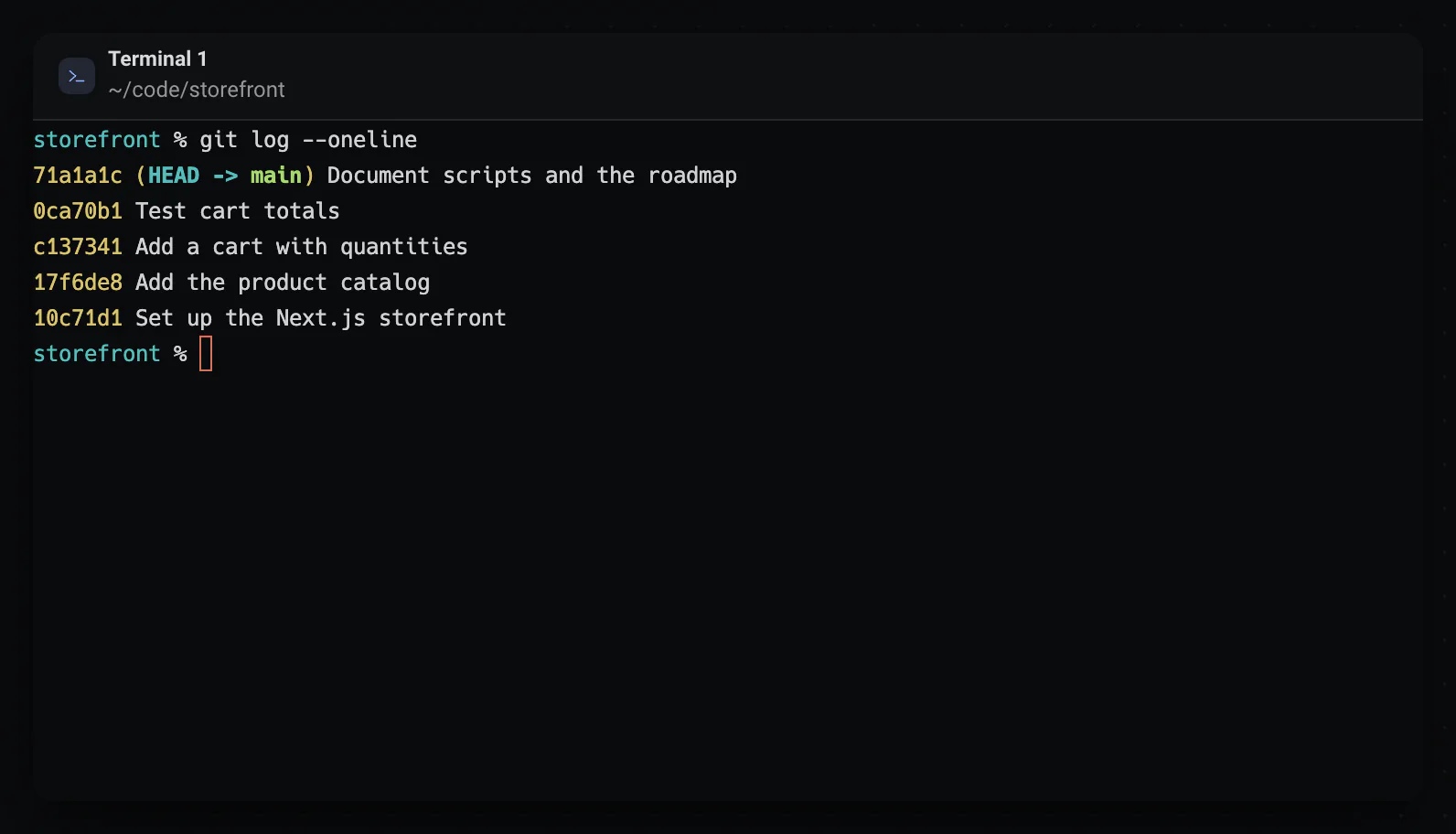
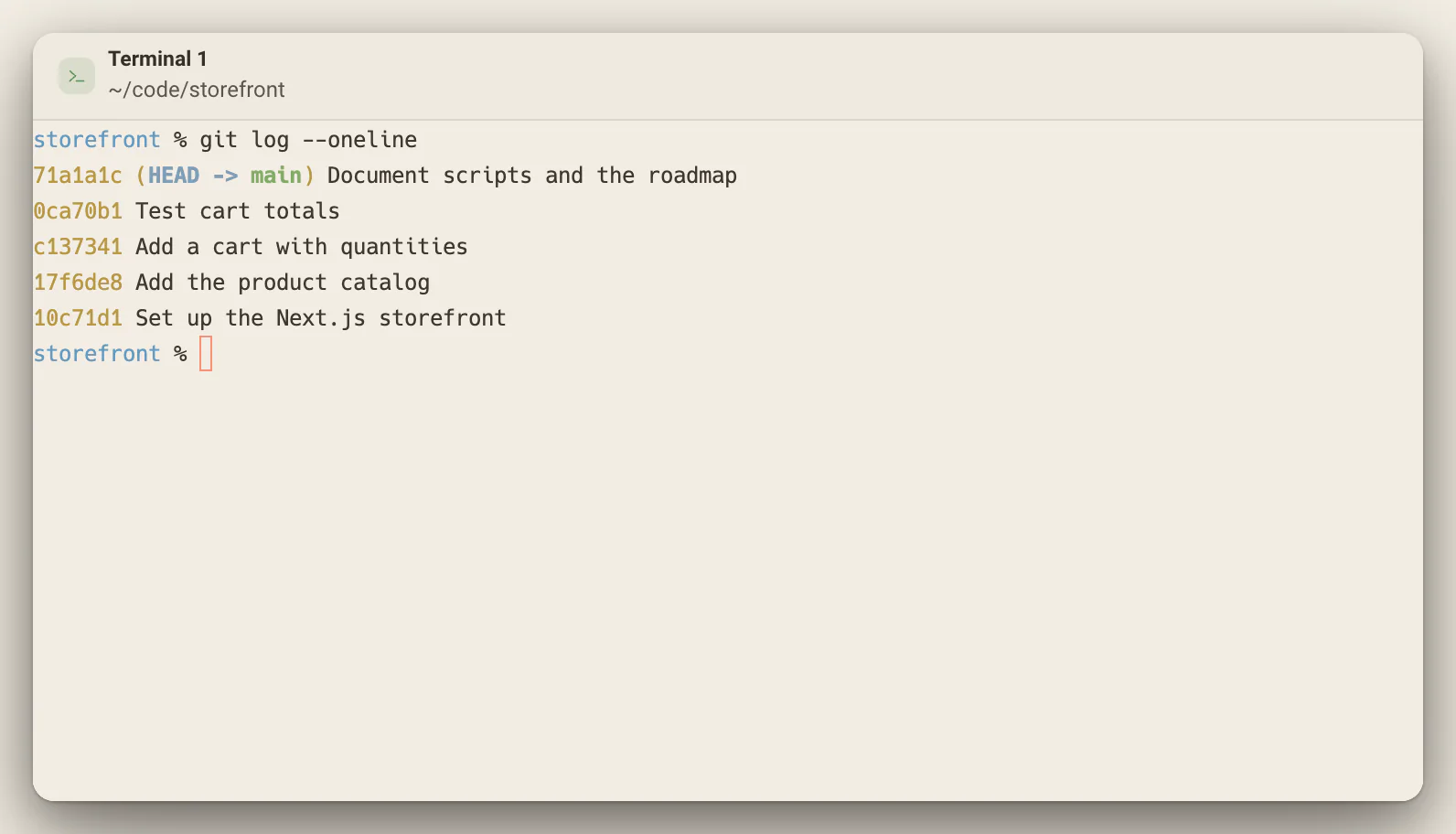
Agent CLIs pick upthe same conversation.
Run Claude Code, Codex or another agent’s CLI in a terminal and Deska remembers which conversation was running. Reopen the workspace and each one comes back to its own thread, even with several in the same folder.
- Claude Code, Codex, Cursor, Gemini CLI, OpenCode and PI Agent, in zsh.
- A terminal you close while its agent works asks you to hold the X first.
- Restore agent sessions in Settings turns resuming off.
What the action bar offers
One suggestion at a time, named for what it does.
- Open in Editor
- A path with a line number, like src/app.ts:42, opens at that line.
- Insert
- The next command a tool suggested, placed at your prompt without running it.
- Kill Process
- A port already in use, freed by stopping what holds it.
- Fix with Dex
- An error worth a closer look, handed to Dex with what the terminal printed.
- Open in Browser
- A sign-in link, opened in your system browser.
- Copy & Open
- A device code copied, and the page that asks for it opened.
Your terminal, from your phone too.
Open a terminal through remote access and it fits the phone’s screen; the desktop panel says Sized for your phone, and Take it back returns it to the desktop’s size.
Your shell, for real
A native pseudo-terminal runs the shell you use, so pipes, background jobs, aliases and your prompt all behave as they always do.
History that stays
Scrollback is saved with the workspace, so closing and reopening a project keeps every terminal’s history. Cmd/Ctrl + F searches it.
Quiet until it has news
The action bar and the server chip appear only when there is something real to act on, so an idle terminal stays an idle terminal.
Worth knowing
- New terminal
- Cmd/Ctrl + Shift + T
- Search the scrollback
- Cmd/Ctrl + F
- Take a suggestion
- Alt + Enter
- Shell
- The one you choose in Settings; PowerShell or CMD on Windows
- Theme
- Follows the app; presets or your own, per terminal if you like
- Links it prints
- Off, Automatic, or Ask before opening (the default)
- Agent CLIs resumed
- Claude Code, Codex, Cursor, Gemini CLI, OpenCode, PI Agent
- Resuming needs
- zsh, on macOS or Linux
About the terminal
One canvas for everything you build.Free to start.
The complete workspace on one computer, with 10 dictation minutes a month.