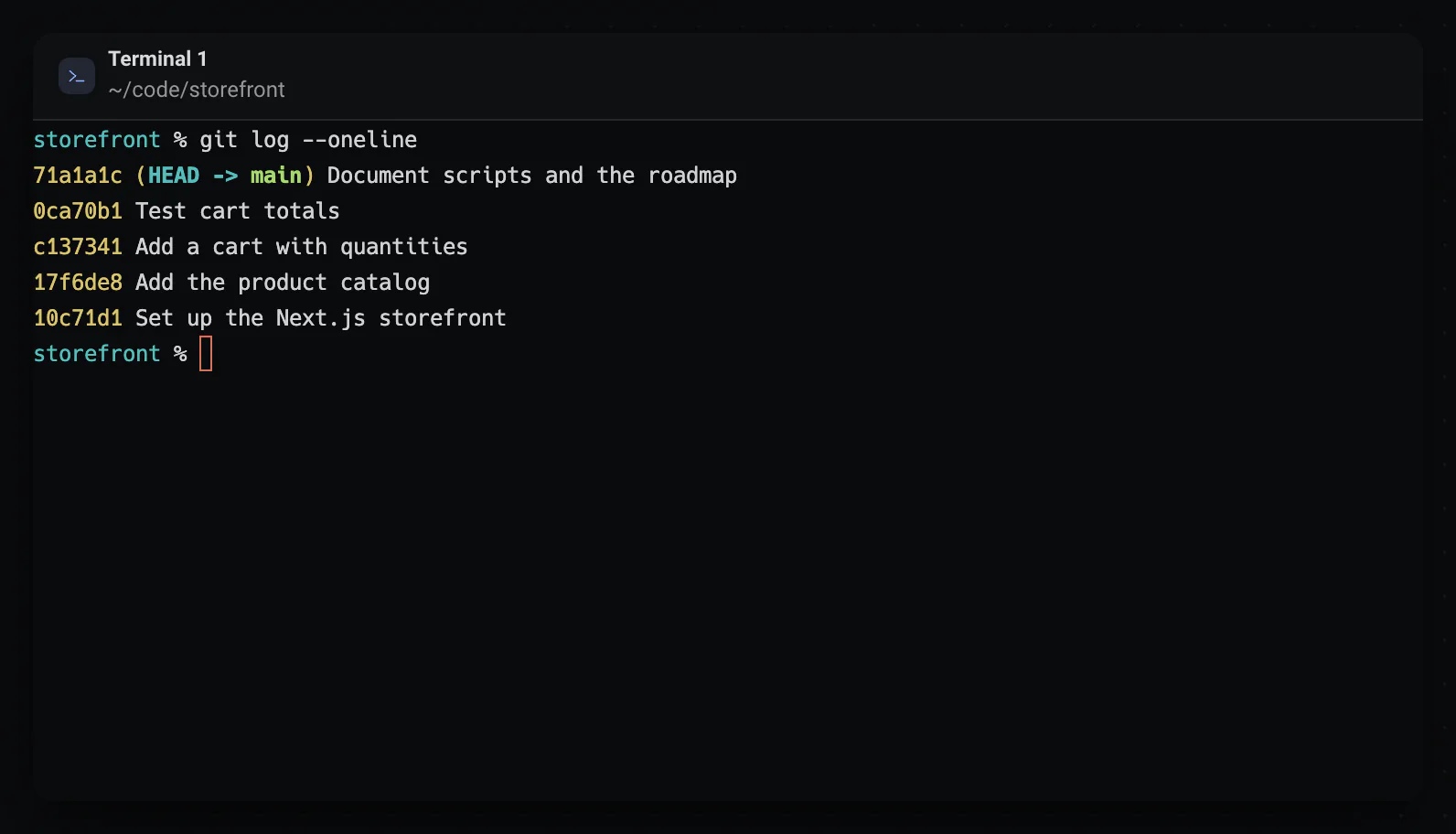
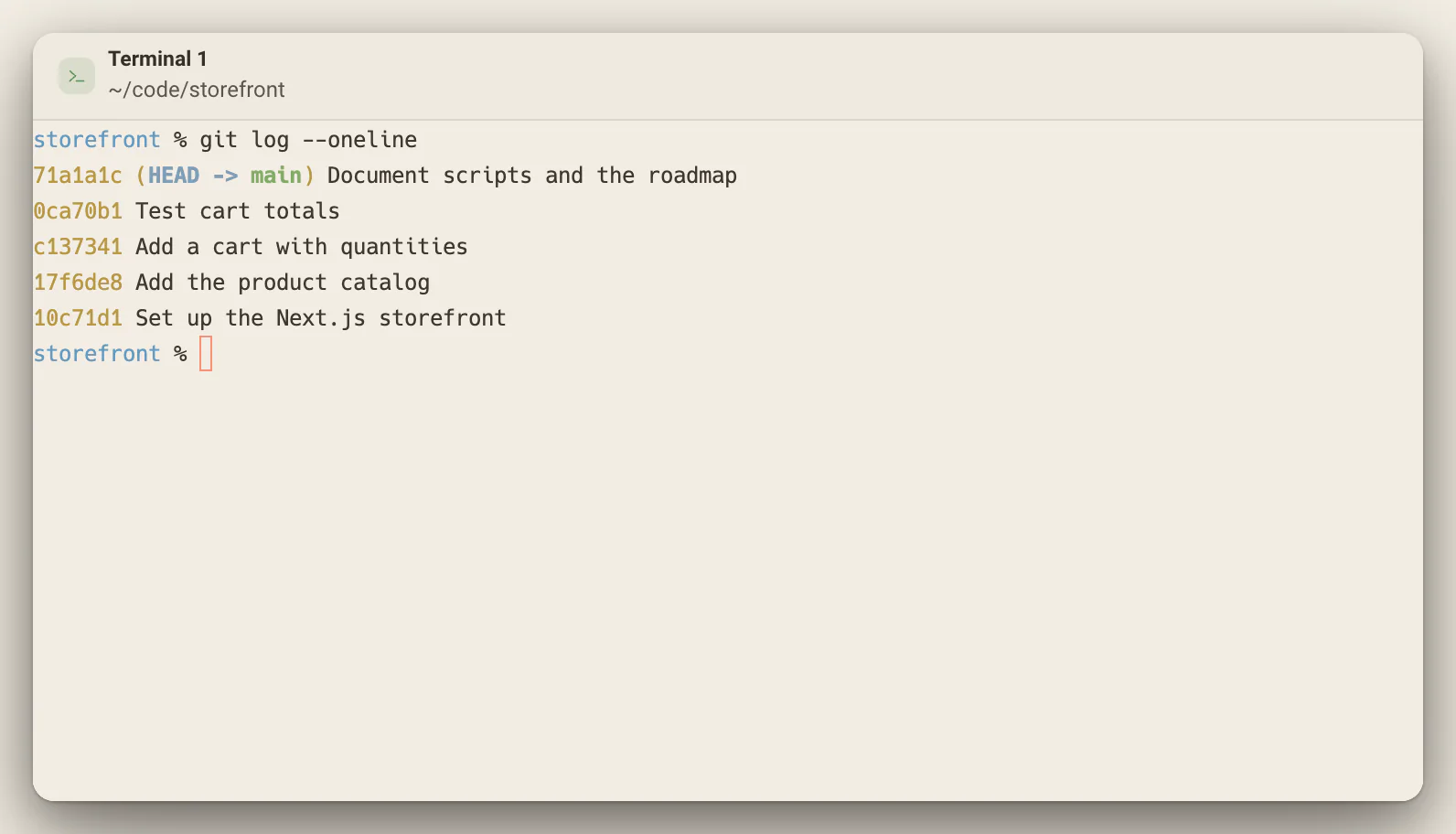
Each terminal panel is a real shell on a native pseudo terminal, opened in your project folder, so pipes, jobs, aliases and your prompt all work. A slim bar at the bottom spots links, file paths with line numbers and common errors in the output, and Alt+Enter accepts its suggestion. When a dev server starts listening, a chip in the header shows the stack and the port, and clicking the port opens the page in a Browser panel. Scrollback is saved with the workspace, and an agent CLI run in it on zsh picks its conversation back up when you reopen the project.
Good for
Running your dev server and opening it beside the code with one click
Fixing a mistyped command, a missing module or a busy port from one suggestion